Tips & guides
AI voice agent for clinics: bookings and calls when the front desk is busy
An AI voice agent for clinics books and reschedules appointments when the front desk is busy or closed, within the calendar rules the clinic sets. It gives no medical advice, and urgent calls are passed to a person or emergency services.
Last updated:
Direct answer
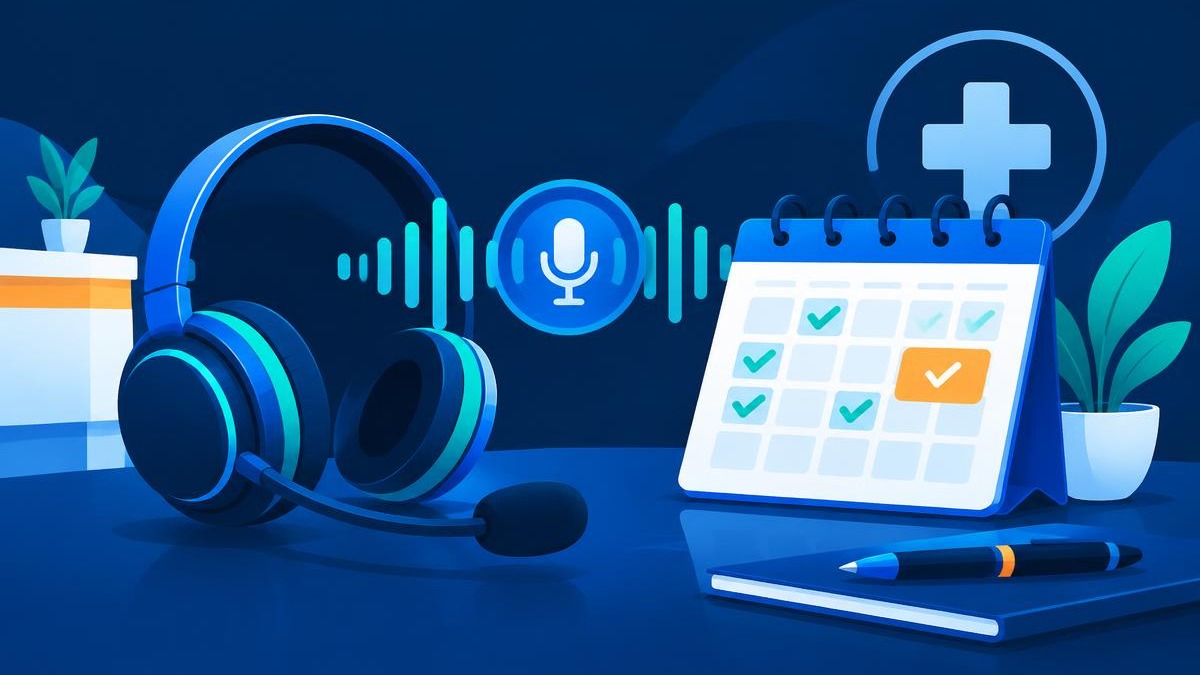
An AI voice agent for clinics can book and reschedule appointments when the front desk is busy or the clinic is closed. It follows the clinic's rules, captures the reason for the call and transfers situations that need personal attention, without giving medical advice. Staff can continue their work while callers receive an organised response instead of waiting or leaving an unclear message.
Choosing the right answering mode
The right mode depends on reception staffing, opening hours and appointment types. You can connect only some calls, test the script and expand gradually. Every mode needs a clear outcome when no suitable appointment is available, the practitioner cannot take a transfer or the call is not administrative.
- After hours: answer during evenings, weekends and closures, taking an appointment request or a structured message for the team.
- Overflow / busy: reception answers first, and the agent takes only calls that cannot be answered because the team is occupied.
- Always-on front desk: the agent answers every call, handles administrative requests and transfers to a person under the clinic's approved rules.
Bookings and changes that respect calendar rules
Before connecting a calendar, define which appointment types the agent may offer, their duration, spacing, practitioner or branch, and which requests always need human approval. A first consultation is not necessarily the same as a follow-up, and an appointment requiring special preparation may always stay with reception.
During the call, the agent identifies the request, offers only available slots and confirms the details before saving. Rescheduling and cancellation follow the same rules: verify identity using the clinic's approved method, find the existing appointment and update the calendar. If the connection is unavailable or a conflict appears, the agent must not invent a confirmation; it passes the request to the team.
What happens after the call
When the call ends, nobody at the clinic needs to listen back to find out what happened. A caller with an urgent problem has already been directed during the call to a member of staff or emergency services, following the clinic's approved instructions.
- An instant WhatsApp message to the clinic owner or front desk with the caller's name, phone number, reason for calling and urgency.
- The details are entered automatically into the clinic's own system — calendar, CRM or patient management.
- A WhatsApp confirmation is sent to the patient only if they agree during the call.
Clear boundaries for urgent calls and medical advice
The agent is not a clinician, does not diagnose and does not recommend treatment. If a caller asks about symptoms, medication or medical urgency, the script explains that the assistant handles administrative matters only. It does not assess the condition from the caller's answers or offer reassurance contrary to clinic instructions.
The clinic approves the emergency wording and route in advance: direction to appropriate local emergency services or immediate transfer to a person according to its instructions. Test uncertainty, silence, disconnection and a caller who cannot answer questions. The fallback must be understandable and must never rely on a promise that staff cannot meet.
Privacy, caller notice and trust
Our approach is to state clearly at the beginning that the caller is speaking to an AI assistant. If recording is enabled, appropriate recording notice is also provided. The clinic decides which details are necessary to manage an appointment and which medical details should not be collected through this route at all. Less information in an administrative call means less sensitive material to protect and maintain.
Access to summaries, calendars and CRM records follows existing roles and permissions. Data handling should follow the privacy requirements relevant to the clinic and its location, including UK GDPR or the Israeli Privacy Protection Law where applicable. This is our working approach, not a substitute for the clinic's own legal and professional advice.
A short clinic setup checklist
Start with the tasks reception performs today. Separate what can be automated from what must remain with staff, without assuming every clinic works the same way.
- Permitted appointment types, duration, practitioner, branch and availability.
- Rules for first visits, follow-ups, cancellation, rescheduling and human approval.
- Answering hours, backup numbers and conditions for staff transfer.
- Approved wording for medical advice, urgency and emergencies.
- Details to collect and medical information not to request.
- AI notice, recording notice and authorised summary recipients.
- Call languages and the terminology staff use with patients.
- A way to mark a booking, attendance and a problem needing correction.
Test calls and a weekly review
Test the normal path and exceptions: no available appointment, a patient changing visit type, a late cancellation, Hebrew and English calls, a request for advice and a transfer when no staff member is available. Confirm that the calendar updates exactly once and that the summary reaches the correct recipient.
In the weekly review, examine which questions led to abandonment, which calls were transferred unnecessarily and which requests the agent could not resolve. Update the knowledge base when hours, practitioners or booking rules change. If an undefined medical or administrative situation appears, pause the problematic path until a correction is approved rather than letting the agent improvise.
Measure from answered call to attended appointment
Success is more than calls answered. Track appointment requests, bookings, reschedules, attendance and requests staff still had to handle manually. If the clinic advertises on Google, connecting the source to the appointment and outcome shows which campaigns produce suitable enquiries, not just telephone activity.
Our call-tracking and job-profit guide describes a structure for preserving an enquiry identifier, updating the outcome and sending offline conversions to Google Ads. A clinic should adapt those measures to its process and privacy limits, without sending medical information that is not required. Even without paid campaigns, a weekly outcome review shows whether the chosen answering mode is improving reception availability and where behaviour needs adjustment.
More articles
 How to Save Money on Google Ads and Paid Advertising
You save money on paid advertising by giving each campaign one clear goal, blocking searches that never bring customers and measuring real enquiries rather than clicks. Start with small tests and move budget only to what has proven itself.
 Google Ads Best Practices: What to Do in Every Campaign
Every Google Ads campaign should start with working conversion tracking, keywords that match the service and a landing page that answers the search exactly. After launch, review search terms weekly and decide monthly what to scale and what to stop.
 Common Google Ads Mistakes (and How to Avoid Them)
The most common Google Ads mistakes are running without conversion tracking, matching keywords too broadly, sending everyone to the homepage and judging results too early. You avoid them with organised tracking, negative keywords and a landing page for each service.
 How Do ChatGPT Ads Work, and Are They Worth It?
ChatGPT Ads are clearly labelled ads shown below ChatGPT answers, managed through OpenAI's Ads Manager and targeted by conversation context rather than exact keywords. They are worth testing when your service comes up in those conversations, the format is available in your country and you measure real leads.
- How Much Does Google Ads Cost for a Small Business?
There is no fixed price: what Google Ads costs a small business depends on competition in your trade and area, how well the campaign is built and how management is charged. Media spend and management fees are separate, so understand both before you start.
 Are Bing Ads Worth It for Small Businesses?
Yes, for many small businesses Bing Ads are worth it, because Microsoft Advertising reaches an additional audience, often at a lower cost per click than Google. If you already run Google Ads you can import your campaigns and start on a small budget.
 How to Advertise a Locksmith Business and Get More Emergency Calls
A locksmith gets more emergency calls by appearing at the top of Google and Maps in their service area, with ads that invite a call and a phone that is answered immediately. Keep emergency work separate from planned jobs and block do-it-yourself searches.
 Google Ads for Plumbers: How to Get More Plumbing Jobs
Plumbers get more jobs from Google by splitting campaigns by job type — emergencies versus planned work — and targeting each to their service area. Block irrelevant searches and measure which calls actually became jobs.
 How to Get More Electrician Jobs with Google Ads
Electricians get more jobs from Google Ads by running separate campaigns for urgent faults, planned installations and commercial clients. Ads that show credentials, plus tracking of real enquiries, show where the budget should go.
 Advertising for Heating and Air Conditioning Businesses: Planning Around the Seasons
Heating and air conditioning businesses advertise year-round by planning budgets around the seasons, increasing spend in hot or cold spells and reducing it in quiet periods. Separate repairs from installations, and keep existing customers through service and maintenance plans.
 What Happened to Google Guaranteed? The New Google Verified Badge Explained
Google Guaranteed has been replaced by the Google Verified badge, and Local Services Ads are gradually moving inside Google Ads. You still pay per lead, and you still need to pass verification to get the badge.
 How to Advertise on Google Maps and Show Up in 'Near Me' Searches
To show up in 'near me' searches on Google Maps you need a complete, verified Business Profile, genuine reviews and local ads linked to that profile. The profile decides whether you appear; the ads help you appear when competition is high.
 What Are Google Local Services Ads, and Are They Worth It for Trades?
Google Local Services Ads are ads at the top of Google for verified tradespeople, where you pay per lead rather than per click. They are worth it mainly for businesses that pass verification, answer the phone quickly and keep good reviews.
 Call Tracking for Trades: From Phone Call to Job Profit, and Back to Google Ads
You know how much profit each call brought by linking the call to the job in your job system and calculating profit after materials, labour and travel. Then send that value back to Google as an offline conversion so the campaign learns to bring more profitable jobs.
- How to Set Up and Update a Google Business Profile: A Guide for Trades
You create a Google Business Profile by searching for your business name or going to business.google.com, setting your service areas and verifying, usually by video. You update it from Google Search or the Google Maps app.
 How to Get Your Trade Business Listed in Local Directories (UK Guide)
Get listed in local directories using the same business name, address and phone number everywhere, starting with the most important directories in your country and trade. Consistent listings help customers and Google trust the business, without paying for promises.
- How to Run Google Ads Alongside Local Services Ads on One Budget (and What to Expect)
Combine the two by letting Local Services Ads capture leads at a per-lead price while a search campaign covers services and areas they do not. Split one monthly budget by demand for each job type, and expect results to improve gradually rather than on day one.
- What Do You Need for Local Services Ads? Requirements and Job Types by Trade
Before a Local Services Ads campaign, prepare the licence and insurance documents Google requires for your trade, your service areas, opening hours and a list of job types. This preparation shortens verification and prevents leads for work you do not do.
- What Do Chat Ads Look Like? ChatGPT Ads Examples for Trades
Chat ads look like a short card marked 'Sponsored' below an answer, with a headline, one line of text and a button. A good chat ad answers exactly the question asked in the conversation, as the trade examples on this page show.
 AI receptionist for law firms: answering every enquiry without missing a client
An AI receptionist answers a law firm's calls when the team is in court, in meetings or closed, collects initial-check details and books a consultation. It gives no legal advice, and urgent matters are transferred straight to a solicitor.
Let's Find the Right Approach for Your Business
Tell us what you're trying to achieve and we'll suggest a sensible starting point.